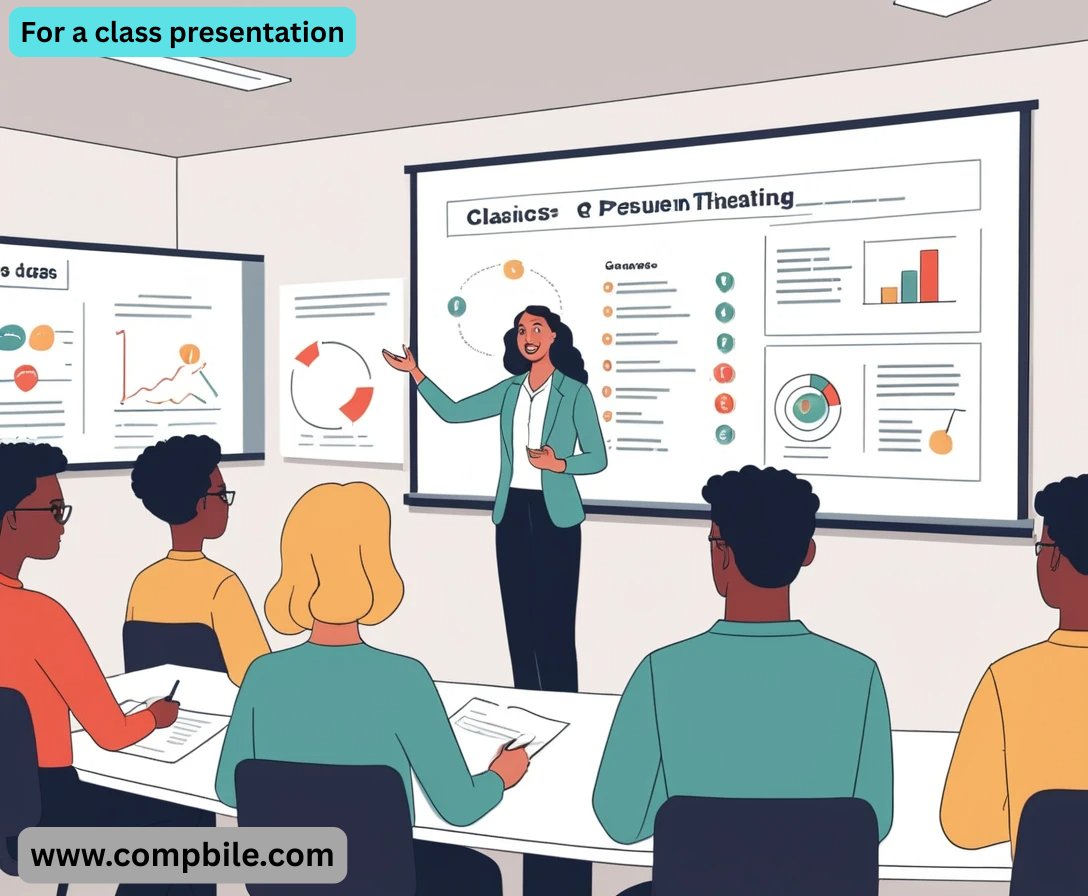
For a class presentation Of course! A class presentation can be nerve-wracking, but with a solid structure and a few pro tips, you can deliver something engaging and effective. Here is a comprehensive guide, from choosing a topic to delivering with confidence.
Part 1: The Foundation (Before You Create Slides)
Understand the Assignment
- Topic: Is it assigned or do you get to choose? If you choose, pick something you’re genuinely curious about.
- Objective: Are you informing, persuading, or demonstrating?
- Audience: Your classmates and professor. What do they already know? What will be new to them?
- Time Limit: This is critical! A 5-minute presentation is very different from a 20-minute one.
- Requirements: Are you required to use slides? Are there specific sources you must cite?
Research and Brainstorm
- Gather Information: Use credible sources (academic journals, books, reputable websites).
- Find Your Core Message: What is the one key takeaway you want your audience to remember? Everything in your presentation should support this.
- Create an Outline: This is the skeleton of your presentation.
- Introduction: Hook, thesis statement, roadmap.
- Body: 2-4 main points that support your thesis.
- Conclusion: Summarize main points, restate your core message, and end with a strong closing thought.
Part 2: Building Your Presentation & Slides
- The Golden Rule of Slides: Less is More. Your slides are a visual aid, not your script.
Structure & Content:
- Title Slide: Your name, presentation title, class name, date.
Introduction Slide:
- Hook: Start with a surprising statistic, a provocative question, a short story, or a powerful image related to your topic.
- Thesis/Main Argument: Clearly state what your presentation is about.
- Roadmap: “Today, I’ll first cover X, then Y, and finally Z.” This sets expectations.
Body Slides (The Meat of It):
- One Idea Per Slide. Don’t cram.
- Use Headlines, Not Sentences: A slide titled “Economic Impact: 20% Drop in GDP” is better than a paragraph of text.
- Visuals are Key: Use high-quality images, graphs, charts, or short video clips. A picture is worth a thousand words.
- Keep Text Minimal: Use bullet points with concise phrases. If you’re reading full sentences off the slide, so is your audience—and they’ve stopped listening to you.
Conclusion Slide:
No new information!
- Summary: Briefly recap your main points.
- Restate Thesis: Reinforce your core message.
- Strong Closing: End with a call to action, a final thought-provoking question, or a “thank you” that signals you’re done.
Design Tips:
- Readability: Use a large, clean font (e.g., Arial, Calibri).
- High Contrast: Ensure your text stands out from the background.
- Professionalism: Avoid distracting animations and sound effects. “Appear” and “Fade” are your friends.
The Delivery (This is Where You Shine)
Practice, Practice, Practice!
- Practice Out Loud: Don’t just read in your head. Time yourself.
- Practice with Your Slides: Get comfortable with the flow.
- Practice in Front of Someone: A roommate, a family member, or even your pet. Ask for feedback on your clarity and pace.
Manage Your Nerves
- It’s Normal: Everyone gets nervous. Use that energy as excitement.
- Breathe: Take a few deep breaths before you start.
- Power Pose: Stand tall, shoulders back, and smile.
- Remember: You are the expert on your topic in this room.

During the Presentation
- Start Strong: Walk confidently to the front, make eye contact, and begin with your hook.
Engage the Audience:
- Eye Contact: Scan the room. Look at different people for a few seconds each.
- Voice: Vary your tone and pace. Don’t speak in a monotone. Speak slower than you think you need to.
- Body Language: Use natural hand gestures.
- Don’t Read Your Slides: You should be explaining the content on your slides, not reading it. Use your slides as prompts.
- Handle Mistakes Gracefully: If you lose your place, just pause, take a breath, and continue. It feels like a huge deal to you, but the audience often doesn’t even notice.
Preparing for Q&A
- Anticipate Questions: What might be confusing? What would you ask if you were in the audience?
- Repeat the Question: This ensures everyone heard it and gives you a moment to think.
- It’s Okay to Not Know: If you don’t know an answer, say, “That’s an excellent question. I hadn’t considered that, but I’ll look into it.” You can also open it to the class.
Sample Presentation Outline: A 5-Minute Presentation
- Topic: The Benefits of Learning a Musical Instrument
- Slide 1 (Title): The Brain’s Symphony: How Music Makes You Smarter
(Intro):
- Hook: “What if I told you there was a single activity that could improve your memory, math skills, and even your ability to learn languages?”
- Thesis: “Learning a musical instrument provides significant, lifelong cognitive benefits.”
- Roadmap: “I’ll show you the evidence for its impact on memory, executive function, and academic performance.”
(Body 1 – Memory):
- For a class presentation Headline: Boosts Memory & Recall
- Visual: A simple graphic of a brain with a highlighted hippocampus.
- Bullet Point: Studies show musicians have a larger hippocampus.
- Bullet Point: Leads to better verbal memory and learning capacity.
(Body 2 – Executive Function):
- Headline: Enhances Executive Function
- Visual: An icon of a brain with gears turning.
- Bullet Point: Improves problem-solving and planning skills.
- Bullet Point: Strengthens the ability to focus and ignore distractions.
(Conclusion):
- Summary: “As we’ve seen, playing an instrument isn’t just an art—it’s a powerful workout for your brain, strengthening memory and executive function.”
- Restate Thesis: “The cognitive benefits are clear and lasting.”
- Strong Closing: “So, the next time you think about picking up a guitar or sitting at a piano, remember—you’re not just learning music, you’re tuning your mind.”
Part 4: Advanced Strategies & Nuances
Storytelling: The Ultimate Engagement Tool
- Facts tell, but stories sell. Weave a narrative throughout your presentation.
- The Hero’s Journey: Frame your topic as a journey. There’s a problem (the villain), a quest for a solution (the journey), and a resolution (the treasure).
- Example for a History Presentation: Instead of “Listing the causes of the American Revolution,” tell the story of the colonists’ journey from loyal subjects to revolutionaries, focusing on their key grievances and moments of defiance.
- Case Studies: Use a specific, relatable example to illustrate a broader point.
- Example for a Business Presentation: Instead of explaining “market disruption” abstractly, tell the story of how Netflix disrupted Blockbuster.
Mastering Your Opening (The First 60 Seconds)
Your opening is everything. Here are more hook techniques:
- For a class presentation The “Imagine” Scenario: “Imagine a world where your refrigerator orders groceries for you…” (Good for tech or futuristic topics).
- The Powerful Quote: Start with a relevant, surprising quote from a famous figure or expert.
- The Confessional: “I used to think [common misconception] was true, until I discovered…” This makes you relatable.
- The Startling Statistic: “Every single minute, the equivalent of a garbage truck full of plastic is dumped into our oceans.”
Handling Different Types of Presentations
The Persuasive Presentation (The Pitch):
- Structure: Use Monroe’s Motivated Sequence: 1) Grab Attention, 2) Establish a Need (the problem), 3) Satisfy the Need (your solution), 4) Visualize the Future (benefits of your solution, consequences of inaction), 5) Call to Action (what you want them to do).
- Key: Use strong, emotional language and powerful visuals. Anticipate and preempt counter-arguments.
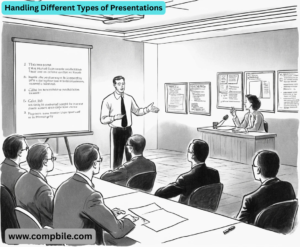
The Demonstration (The “How-To”):
- For a class presentation Structure: Explain -> Demonstrate -> Summarize.
- Key: Keep it simple. Break it down into clear, logical steps. Use a live demo or a pre-recorded video. Always have a backup plan (e.g., a video) if the live demo fails.
The Informative Presentation (The Lecture):
- Structure: Use the What? So What? Now What? model for each main point.
- What: This is the fact/information.
- So What: Why does this matter? What are the implications?
- Now What: What should we do with this information? What are the next steps?
- Key: Your job is to make complex information digestible. Use analogies and metaphors.
Mastering Visuals Beyond Basic Slides
- Prezi or Canva: Offers non-linear, zooming presentations that can be great for showing relationships between ideas.
- Prop or Physical Object: Bringing in a real, relevant object can be incredibly powerful and memorable.
- The Whiteboard/Flip Chart: Use it for live brainstorming, drawing diagrams, or writing down audience questions. It shows spontaneity and engagement.
Part 5: Handling Specific Scenarios & Challenges
What if Your Time Gets Cut Short?
- Prepare a “Core Version”: Know which slides or points are absolutely essential and which are “nice-to-haves.”
- The Verbal Edit: Learn to say, “Unfortunately, I’m short on time, so I’ll skip to the key finding…” or “The most important takeaway here is…”
What if the Technology Fails?
- Have a Low-Tech Backup: Print a copy of your slides as a handout (with multiple slides per page) or have detailed notes on paper.
- Your Skills are the Backup: Remember, you are the presentation. The slides are just the aid. You can still deliver the core message without them.
Dealing with a Tough or Silent Audience
- To Engage a Silent Audience: Ask a direct, easy-to-answer question. Instead of “Any questions?” try, “By a show of hands, how many of you have experienced…?” or “What’s one surprising thing you’ve learned so far?”
Handling a Difficult Question:
- For a class presentation The “Bridge” Technique: Acknowledge the question, then pivot back to your core message.
- Example: “That’s an interesting point about cost, and it really highlights why the long-term savings, which I mentioned earlier, are so critical to this proposal.”
- Defer to Later: “That’s a complex question that deserves more time than we have now. Please see me after class, and I’d be happy to discuss it in detail.”
Group Presentations
- Seamless Transitions: The mark of a good group presentation is smooth handoffs.
- Transition Script: “Now that Sarah has covered the historical context, I’ll hand it over to David to explain the modern applications.”
- Uniformity: Use the same slide template and font. Rehearse together to ensure consistent tone and pacing.
- Body Language: Look engaged and supportive when you’re not speaking. Nod and make eye contact with your teammate.