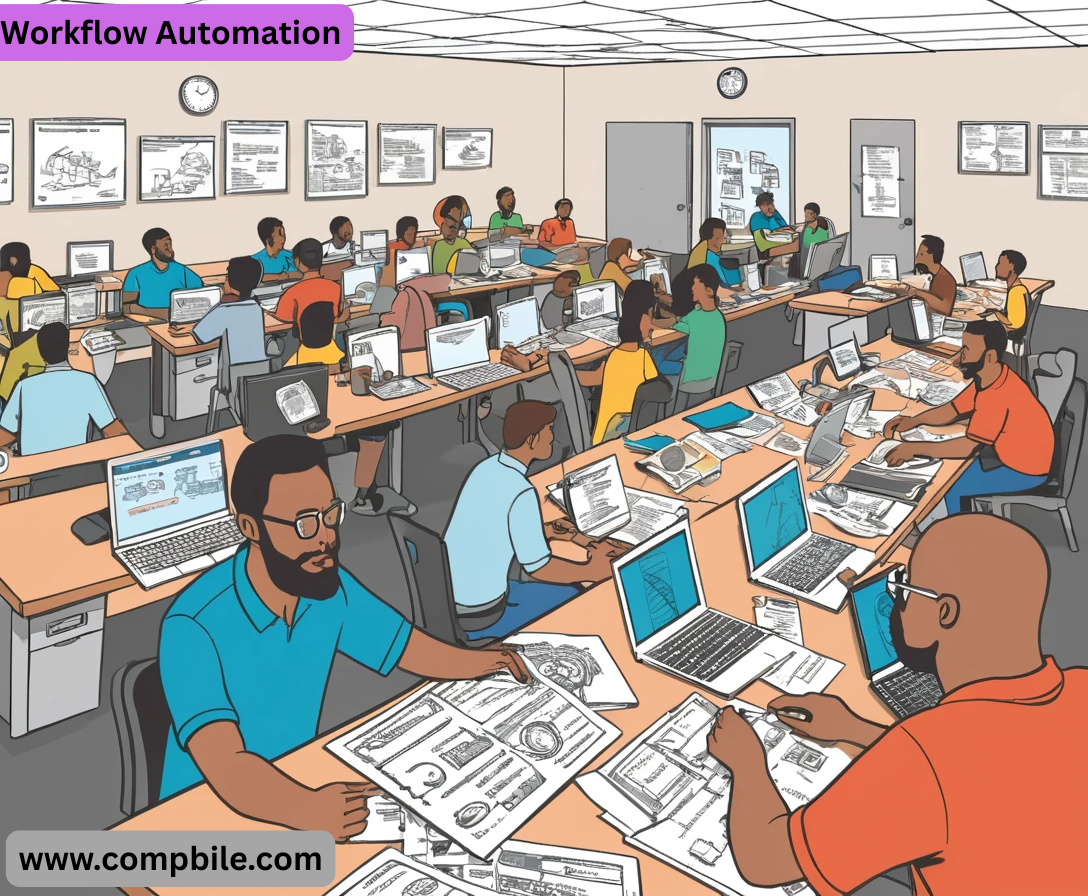
Workflow Automation Of course! Let’s dive deep into the world of Workflow Automation.
This is a comprehensive guide covering what it is, why it’s crucial, its benefits, types, real-world examples, how to get started, and popular tools.
What is Workflow Automation?
- At its core, workflow automation is the design, execution, and automation of business processes based on predefined business rules, where tasks, information, and documents are automatically passed from one participant to another for action.
- Think of it as a digital assembly line for your business processes. Instead of manually sending emails, copying data, or chasing approvals, you set up a system that does it for you, consistently and without fail.
Simple Analogy: Making a cup of coffee.
- Manual: You boil the water, grind the beans, pour the water, and wait. Every step is manual.
- Automated: You program a coffee maker. You press one button, and it handles the grinding, heating, and brewing automatically. That’s automation.
Why is Workflow Automation So Important Now?
- The Digital Transformation Imperative: Companies are racing to digitize their operations to stay competitive, efficient, and agile.
- Rise of Remote/Hybrid Work: Automated workflows ensure processes continue seamlessly even when teams are not in the same physical location.
- Data Overload: Manual handling of vast amounts of data is inefficient and error-prone. Automation provides structure and accuracy.
- Employee Empowerment: It frees up knowledge workers from mundane, repetitive tasks, allowing them to focus on
strategic, creative, and high-value work.
Types of Workflow Automation
- Rule-Based Automation: The most common type. It follows simple “if-this-then-that” logic.
- Example: “IF an invoice amount is below $500, THEN auto-approve it. IF it’s above, THEN send it to a manager for approval.”
- Robotic Process Automation (RPA): Uses software “bots” to mimic human actions on a computer, like logging into applications, copying data, or filling out forms. It works at the user interface level.
- Example: A bot that logs into three different systems every morning to extract sales reports and consolidate them into a single spreadsheet.
- AI-Powered Automation: Incorporates Artificial Intelligence (AI) and Machine Learning (ML) to handle unstructured data and make complex decisions.
- Example: Automatically categorizing and routing customer support emails based on their sentiment and content, or processing invoices with non-standard layouts.
How to Get Started with Workflow Automation
- Identify: Map out your current processes. Look for bottlenecks, repetitive tasks, and areas with frequent errors. Start with a simple, high-impact process.
- Define: Clearly document the steps, rules, and people involved in the ideal (future) state of the process. What are the triggers and desired outcomes?
- Choose: Select the right automation tool based on your process complexity, budget, and technical expertise (see tools below).
- Build & Test: Create the automated workflow. Start with a small pilot group and test it thoroughly to iron out any kinks.
- Implement & Monitor: Roll it out to all users. Continuously monitor its performance using analytics to ensure it’s meeting its goals and look for further optimization opportunities.
Popular Workflow Automation Tools
No-Code/Low-Code Platforms (for Business Users):
- Zapier: Connects thousands of web apps with simple “Zaps.”
- Make (formerly Integromat): Offers more complex visual scenario building than Zapier.
- Microsoft Power Automate: Deeply integrated with the Microsoft 365 ecosystem.
- monday.com Workflows: Automates actions within and connected to the monday.com work OS.
Business Process Management (BPM) Suites:
- Kissflow: User-friendly BPM and workflow platform.
- Process Street: Great for creating and automating checklist-driven procedures.
- Pipefy: A powerful platform for managing and automating business pipelines.
Robotic Process Automation (RPA):
- UiPath: A leading enterprise-grade RPA platform.
- Microsoft Power Automate Desktop: The free RPA component of Power Automate.
The Strategic Layer: From Task Automation to Business Transformation
- While automating a single task is good, the true power lies in connecting these automations to form a digital operations backbone. This shifts the perspective from “How can I save time on this?” to “How can we fundamentally improve how this business function operates?”
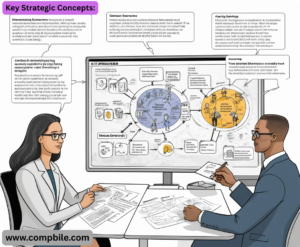
Key Strategic Concepts:
Process Mining vs. Process Discovery:
- Process Discovery: Observing and interviewing employees to manually map out a process.
- Process Mining: Using software to automatically analyze data from your existing systems (like ERP or CRM logs) to discover the actual, as-is process. It often reveals surprising variations and inefficiencies that no one admitted to or was even aware of. This is a game-changer for identifying the best automation candidates.
Key Performance Indicators (KPIs) for Automation:
- You can’t manage what you don’t measure. Before automating, define what success looks like.
- Efficiency Metrics: Process Cycle Time (reduction %), Throughput (number of processes completed per day/week), Cost Per Transaction.
- Quality Metrics: Error Rate (reduction %), First-Time Pass Rate (for approvals).
- Business Metrics: Employee Satisfaction (e.g., via surveys), Customer Satisfaction (CSAT) scores impacted by faster service.
The Center of Excellence (CoE) Model:
- For larger organizations, a dedicated CoE is crucial for scaling automation. This team is responsible for:
- Governance: Setting standards, best practices, and security protocols.
- Tool Management: Managing vendor relationships and software licenses.
- Training: Upskilling “citizen developers” (business users who build automations).
- Support: Maintaining and troubleshooting complex workflows.
- The Human Element: Change Management and the “Citizen Developer”
Technology is only 50% of the battle. The other 50% is people.
Overcoming Resistance to Change:
- Fear: Employees often fear that automation will make their jobs obsolete.
- Solution: Communicate clearly that the goal is to eliminate mundane tasks, not jobs. Reframe automation as a “co-bot” (collaborative robot) that handles the boring work, freeing up humans for strategic thinking, customer interaction, and creative problem-solving. Invest in reskilling programs.
The Rise of the Citizen Developer:
- Who they are: Power users in business units (Marketing, HR, Finance) who, with the help of low-code/no-code platforms, can build their own automations without being professional programmers.
- The Benefit: Drastically reduces the IT backlog and leads to solutions that are perfectly tailored to the business need.
- The Risk: Can lead to “shadow IT” – ungoverned, poorly built automations that create security risks and technical debt.
- The Balance: The IT department must shift from being a “gatekeeper” to an “enabler,” providing a governed platform, guardrails, and training for citizen developers.
Advanced Automation Patterns
- Beyond simple “if-then” rules, sophisticated workflows involve more complex logic.
- Parallel Approval: A request (e.g., a large budget item) is sent to multiple approvers at the same time. The workflow waits for all (or a majority) to respond before proceeding.
- Dynamic Routing: The next step in the workflow is not predefined but calculated based on data. Example: A customer service ticket is routed to the department (Billing, Technical Support, Sales) based on the content of the customer’s message, analyzed by AI.
- Escalation Paths: If a task is not completed within a set SLA (e.g., “Manager must approve within 48 hours”), the workflow automatically escalates it to the next person in the hierarchy.
- State Machines: For complex processes with multiple statuses (e.g., “Draft” -> “In Review” -> “Approved” -> “Published” -> “Archived”), a state machine ensures the workflow only transitions through valid states and triggers the correct actions for each transition.