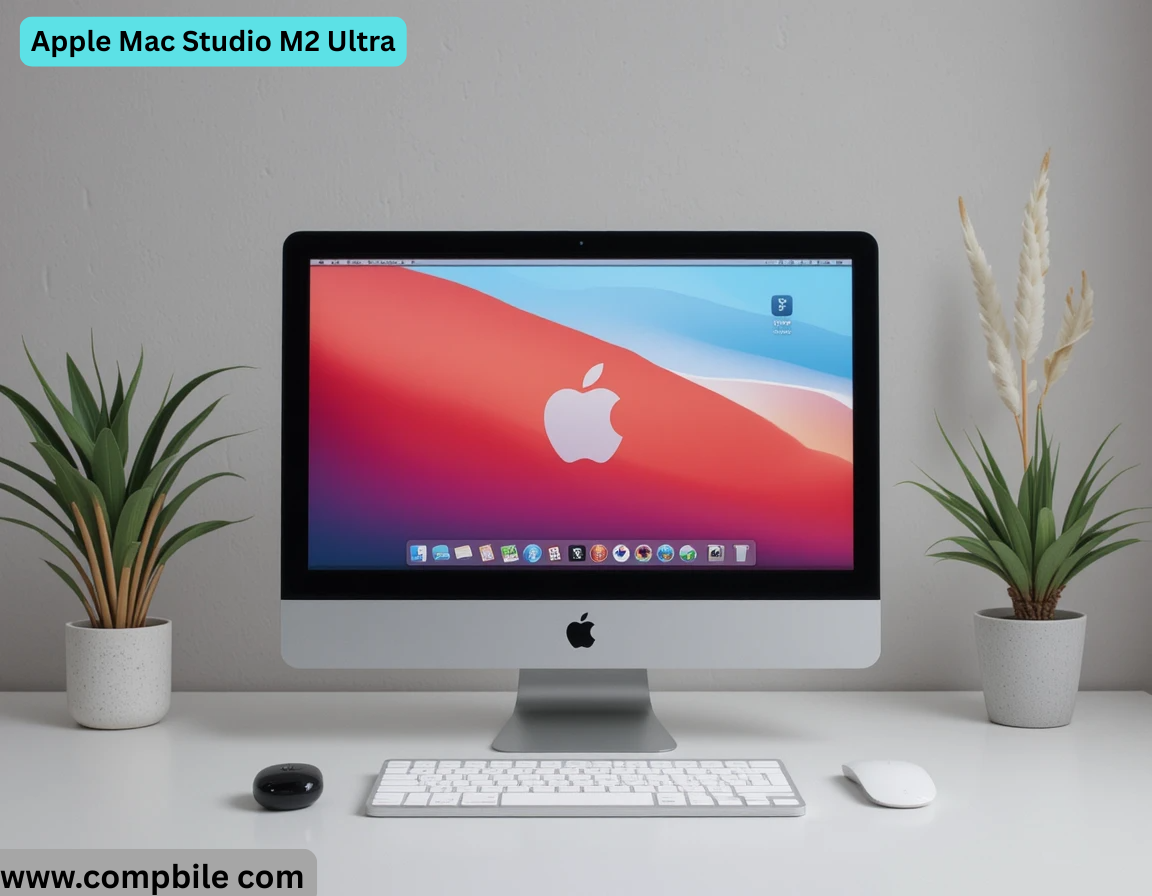
Apple Mac Studio M2 Ultra The Apple Mac Studio with M2 Ultra is a high-performance desktop computer designed for professionals who need extreme processing power, advanced graphics capabilities, and extensive connectivity in a compact form factor. Below is a detailed overview of its key features, specifications, and performance based on the latest information available.
Processor (M2 Ultra Chip)
-
- Built using Apple’s Ultra Fusion technology, combining two M2 Max chips into a single die.
- 24-core CPU (16 performance cores + 8 efficiency cores) for high-speed multitasking.
- Up to 76-core GPU for graphics-intensive tasks like 3D rendering and video editing.
- 32-core Neural Engine for AI/ML workloads (31.6 trillion operations per second).
- Supports up to 192GB unified memory with 800GB/s bandwidth, enabling large-scale workflows.
Performance
-
- 20% faster CPU and 30% faster GPU compared to the M1 Ultra .
- Handles 22 streams of 8K Pro Res 422 video playback, a feat unmatched by most PCs .
- Ideal for machine learning, 3D animation, video editing, and large dataset processing.
Memory & Storage
-
- Unified memory (64GB, 128GB, or 192GB configurations).
- SSD storage options from 1TB up to 8TB, with blazing-fast read/write speeds .
Display & Connectivity
-
- Supports up to eight 4K displays, six 6K displays, or three 8K displays .
- Ports:
-
- 4x Thunderbolt 4 (back), 2x USB-C/Thunderbolt (front), 1x HDMI (8K support), SDXC slot, 10Gb Ethernet, and 3.5mm audio jack .
- Wi-Fi 6E & Bluetooth 5.3 for wireless connectivity.
-
Thermal & Noise Efficiency
-
- Advanced cooling system keeps the machine quiet even under heavy loads .
- Compact 7.7-inch square design (3.7-inch height) fits under most monitors .
Software & Ecosystem
-
- Runs macOS, optimized for Apple silicon, with support for pro apps like Final Cut Pro, Da Vinci Resolve, and Adobe Creative Suite .
- Apple Intelligence features enhance productivity with on-device AI processing .
Environmental Impact
-
- Uses 100% recycled aluminum and rare earth materials in construction .
Pricing & Configurations 511
- Base M2 Ultra model: Starts at $3,999 (24-core CPU, 60-core GPU, 64GB RAM, 1TB SSD).
- Max configuration: Up to 76-core GPU, 192GB RAM, 8TB SSD (~$7,000+).
Who Should Buy It?
- Professionals in video production, 3D rendering, AI/ML, and music production.
- Power users needing extreme multitasking and large memory capacity.
- Creatives who want a compact yet ultra-powerful desktop.
- For light photo editing or general use, the M2 Max model (or even Mac mini) may be more cost-effective .
Performance Benchmarks & Real-World Use
CPU & GPU Performance
- Geek bench 6 Scores (M2 Ultra):
-
- Single-core: ~2,800 | Multi-core: ~21,500 (outperforms Intel Core i9-13900K and rivals high-end THREA dripper CPUs in multi-threaded tasks) .
-
- GPU Comparison:
- The 76-core GPU rivals NVIDIA RTX 4080 in some Pro Render benchmarks but falls short in gaming due to macOS driver limitations .
- Blender, Maya, and Final Cut Pro leverage Metal acceleration for near-real-time 8K rendering .
Video Editing & Pro Workloads
- Final Cut Pro:
-
- Edits 18 streams of 8K Pro Res RAW without dropping frames .
- 4K H.265 exports 2–3x faster than a Mac Pro with Afterburner card .
-
- Da Vinci Resolve:
-
- Handles multiple 8K timelines with noise reduction and color grading in real time .
-
Machine Learning & Compilation
-
- X code compilation: 30% faster than M1 Ultra for large codebases .
- Stable Diffusion image generation: ~15 seconds per image (512×512) vs. 25+ seconds on M1 Ultra .
Comparisons
Feature M2 Ultra M1 Ultra Mac Pro (Intel)
CPU Cores 24 (16P + 8E) 20 (16P + 4E) Up to 28 (Xeon W)
GPU Cores Up to 76 Up to 64 Up to AMD Radeon Pro W6900X
Max RAM 192GB 128GB 1.5TB (DDR4 ECC)
Memory Bandwidth 800GB/s 800GB/s 204GB/s
Storage 8TB SSD 8TB SSD 8TB + PCIE expandability
Price (Base) $3,999 $3,999 (discontinued) $6,499+
Key Takeaway: The M2 Ultra beats the M1 Ultra in raw performance and efficiency but lacks PCIE expansion (unlike the Intel Mac Pro). For GPU-heavy workflows requiring upgradability, a PC with NVIDIA GPUs might still be preferable.
Use Cases & Ideal Users
Video Production:
-
- Best for 8K workflows (Red RAW, Pro Res, etc.) in Final Cut Pro or Premiere Pro.
- Replaces need for external GPU solutions due to onboard GPU power.
3D & Motion Graphics:
-
- Cinema 4D + Octane Render: 30–40% faster than M1 Ultra .
- Unreal Engine 5: Runs well but lacks RTX/DLSS optimizations.
Music Production:
-
- Handles 1,000+ track Logic Pro sessions with low latency .
- Audio plugins (e.g., UAD, Neural DSP) run natively on Apple Silicon.
Software Development:
-
- Compiles large codebases (e.g., Android OS) 2x faster than Intel Macs .
- Docker/Kubernetes workloads benefit from high core count.
Potential Drawbacks
No Upgradability:
-
- RAM and SSD are soldered—buy the configuration you’ll need for the next 5+ years.

Gaming Limitations:
-
- mac OS lacks support for DirectX 12/VULKAN, and many AAA titles aren’t optimized for Apple Silicon.
No PCIE Slots:
-
- Unlike the Intel Mac Pro, you can’t add capture cards, NVME RAID, or GPUs.
High Cost:
-
- The 192GB RAM + 8TB SSD config costs ~$7,000, rivaling high-end workstations.
Accessories to Pair
- Studio Display ($1,599): 5K Retina screen with built-in webcam.
- Pro Tools HDX: For audio professionals needing DSP acceleration.
- Promise Pegasus R8: Thunderbolt RAID for expanded storage.
Should You Buy It?
- Yes if: You need max performance in a compact form for pro apps (e.g., video, 3D, ML).
- No if: You need upgradability, gaming, or Windows/Linux support.
Alternatives:
- PC Workstation: For NVIDIA CUDA or PCIE expansion (e.g., HP Z8, Dell Precision).
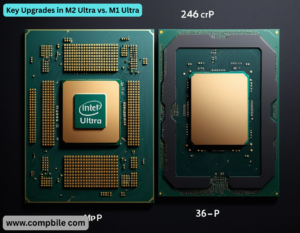
Key Upgrades in M2 Ultra vs. M1 Ultra
- Performance:
- CPU: 24-core (16P + 8E) vs. M1 Ultra’s 20-core, delivering 20% faster performance .
- GPU: Up to 76-core (vs. 64-core), 30% faster in rendering (e.g., 3x faster Octane renders) .
- Neural Engine: 32-core, 40% faster for ML tasks (31.6 trillion ops/sec) 12.
- Memory: Supports 192GB unified memory (50% more than M1 Ultra) with 800GB/s bandwidth .
- Media Engine: Doubles Pro Res acceleration, handling 22 streams of 8K Pro Res 422 .
Key Takeaways:
- M3 Ultra offers higher core counts, more RAM, and Thunderbolt 5 (120Gb/s) but at a premium .
- M4 Max suits prosumers with lighter workloads (e.g., 18x 8K streams) .
3. Real-World Performance Insights
- Video Editing:
- M2 Ultra: Edits 18x 8K Pro Res RAW streams in Final Cut Pro .
- Da Vinci Resolve: 50% faster than M1 Ultra for color grading .
- 3D Rendering:
- Octane Render: 3x faster than M1 Ultra .
- Redshift: M3 Ultra shows 2.6x faster renders .
- AI/ML:
- Stable Diffusion: ~15 sec/image (512×512) on M2 Ultra vs. 25 sec on M1 Ultra .
- LLMs: M3 Ultra handles 100B+ parameter models faster .
4. Common Use Cases & Recommendations
- For M2 Ultra Buyers:
- Best for: 8K video production, large-scale 3D workflows, ML training.
- Overkill for: Photo editing (M2 Max suffices) .
- For M3 Ultra/M4 Max Buyers:
- M3 Ultra: Ideal for extreme workloads (e.g., feature films, LLMs).
- M4 Max: Better value for photo/video pros needing portability .
5. Known Issues & Workarounds
- Apple Mac Studio M2 Ultra Adobe Apps (Illustrator/Photoshop):
- Lag reported on M2 Ultra despite high specs; resetting preferences or disabling fonts may help .
- Adobe’s optimization for multi-core workflows remains inconsistent .
- Gaming: Limited by macOS driver support; Windows PCs with NVIDIA GPUs outperform .
Get article on pdf file,…Click now